
How to Extend WiFi From Your Lake House to Your Dock at Lake of the Ozarks
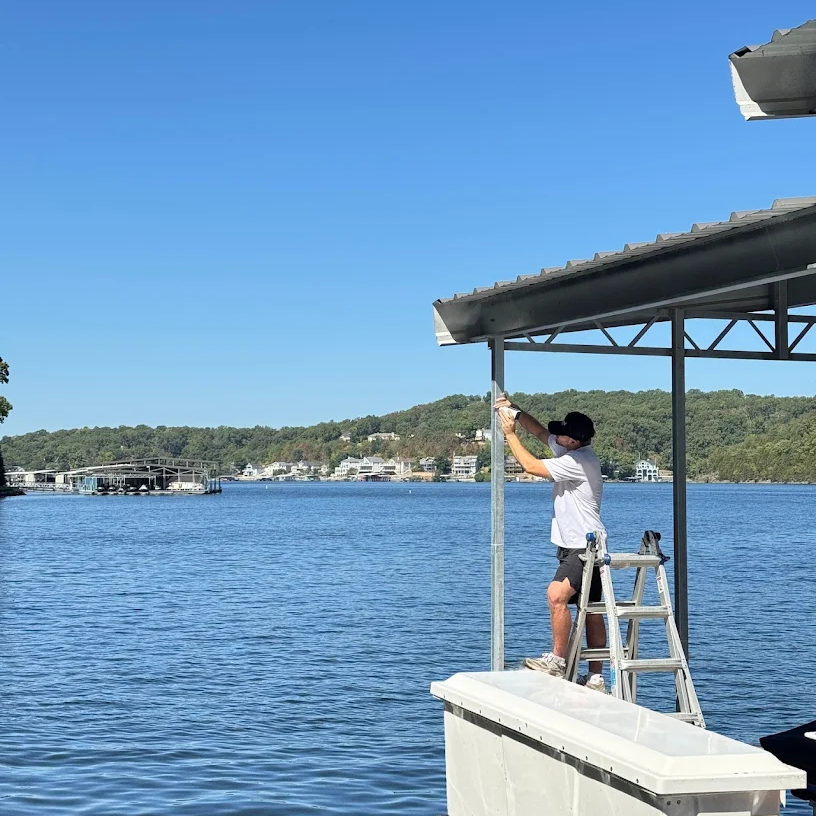
Weak or unreliable WiFi at your dock can make it difficult to stream music, connect security cameras, use smart devices, or simply stay connected while enjoying the lake.
At Lake of the Ozarks, your home’s regular WiFi router may not be strong enough to reach your dock. Long distances, steep hills, trees, exterior walls, and metal dock roofs can all weaken the connection.
The good news is that a professionally installed outdoor WiFi system can extend your home internet all the way to your dock.
What Is the Best Way to Extend WiFi to a Boat Dock?
The best setup depends on the distance between your lake house and dock.
For docks located close to the home, an outdoor WiFi access point may provide enough coverage. For longer distances, the most dependable solution is usually a point-to-point wireless bridge.
A wireless bridge creates a dedicated connection between your house and dock. One device is installed at the house, and another is installed at the dock. The two devices send the internet connection between the locations.
An outdoor access point can then provide WiFi coverage throughout the dock.
Think of it like running an invisible network cable from your lake house to your boat dock.
Why a Regular WiFi Extender May Not Work
Store-bought WiFi extenders are generally designed for use inside a home. They often struggle when trying to send a connection down a hill, through trees, or underneath a metal dock roof.
A WiFi extender also needs to receive a good signal before it can repeat it. When the original signal is already weak, the connection at the dock may remain slow or unreliable.
Common problems include:
Slow internet speeds
Cameras frequently going offline
Weak coverage underneath the dock roof
Music or video buffering
Devices constantly disconnecting
Poor performance during busy weekends
A professionally designed dock WiFi system carries the connection to the dock before creating a new WiFi coverage area.
How a Home-to-Dock Wireless Bridge Works
A typical Lake of the Ozarks dock WiFi installation may include:
A directional wireless device installed at the house
A matching device installed at the dock
An outdoor WiFi access point at the dock
Weather-resistant network cabling
Power over Ethernet equipment
Secure mounting hardware
Network setup and testing
The equipment at the house sends the internet connection toward the dock. The dock equipment receives that connection and provides local WiFi for your devices.
This type of system can support phones, tablets, smart TVs, speakers, security cameras, boat monitoring equipment, and other connected devices.
Does the House Need a Clear View of the Dock?
A clear path between the house and dock usually provides the best results.
Trees, neighboring buildings, hills, and metal structures can weaken a wireless connection. The equipment may need to be mounted higher on the house, near the roofline, along the shoreline, or on the edge of the dock.
Every Lake of the Ozarks property is different. That is why an onsite assessment is important before choosing equipment.
Can You Extend WiFi From a Condo to a Boat Slip?
Yes. WiFi can often be extended from a condominium to a private boat slip using a directional wireless bridge.
Condo-to-slip installations may require additional planning because of:
The height of the condo
Balcony or exterior mounting restrictions
The location of the boat slip
Trees or buildings between the condo and dock
Nearby WiFi interference
Condominium association requirements
Vincent IT Solutions has experience creating WiFi connections between elevated condos and boat slips at Lake of the Ozarks.
Can Dock WiFi Support Security Cameras?
A properly designed dock network can support security cameras around your boat, personal watercraft, dock entrance, lifts, storage areas, and walkways.
Installing WiFi and cameras together can often provide a cleaner and more dependable system. The WiFi equipment, cameras, cabling, and recording options can be planned as one complete installation.
A strong dock connection can allow you to view cameras remotely and keep an eye on your property when you are away.
What Can You Connect to Dock WiFi?
Once reliable WiFi reaches the dock, it may be used for:
Smartphones and tablets
Security cameras
Smart TVs
Streaming devices
Marine audio systems
Laptops
Boat monitoring equipment
Smart switches
Dock lighting controls
Guest WiFi
The system should be designed around how many devices you plan to use and what you want those devices to do.
How Much Does Dock WiFi Installation Cost?
Dock WiFi installation costs depend on the property, distance, equipment, number of access points, and difficulty of the installation.
A straightforward outdoor WiFi installation will generally cost less than a long-distance wireless bridge with multiple access points and security cameras.
Factors that can affect the price include:
Distance between the home and dock
Trees and other obstructions
Elevation changes
Number of areas needing coverage
Available power at the dock
Mounting requirements
Existing network equipment
Number of cameras or connected devices
The best way to determine the cost is to have the property evaluated and receive a system recommendation based on the actual location.
Professional Dock WiFi Installation at Lake of the Ozarks
Vincent IT Solutions installs custom WiFi and network systems for lake houses, condos, boat docks, and businesses throughout the Lake of the Ozarks area.
Our services include:
Lake house-to-dock WiFi
Point-to-point wireless bridges
Outdoor WiFi access points
Condo-to-boat-slip connections
Dock security cameras
WiFi troubleshooting
Network upgrades
Smart device connectivity
We serve customers throughout Lake Ozark, Osage Beach, Camdenton, Sunrise Beach, and surrounding Lake of the Ozarks communities.
Frequently Asked Questions
Can I use my existing home internet at my dock?
In many cases, yes. Your current internet connection can be extended to the dock using outdoor wireless equipment.
Will WiFi work underneath a metal dock roof?
Yes, but the metal roof may weaken a signal coming directly from the house. Installing an access point at the dock generally provides better coverage underneath the roof.
Does the dock need electricity?
Most wireless access points, bridge equipment, and security cameras require power. The available electrical setup should be reviewed before installation.
How far can WiFi be extended?
The possible distance depends on the equipment, mounting locations, obstructions, and line of sight. Directional wireless equipment can reach farther than a normal household router.
Can you install WiFi and cameras at the same time?
Yes. Installing both systems together can create a more complete and reliable dock network.
Get Reliable WiFi at Your Dock
Stop relying on a weak signal from the house or a WiFi extender that constantly disconnects.
Vincent IT Solutions can design and install a dependable WiFi connection for your lake house, condo, boat slip, or dock.



Comments