
How to Ensure Strong WiFi Connectivity on Your Lake of the Ozarks Dock Without Dead Zones
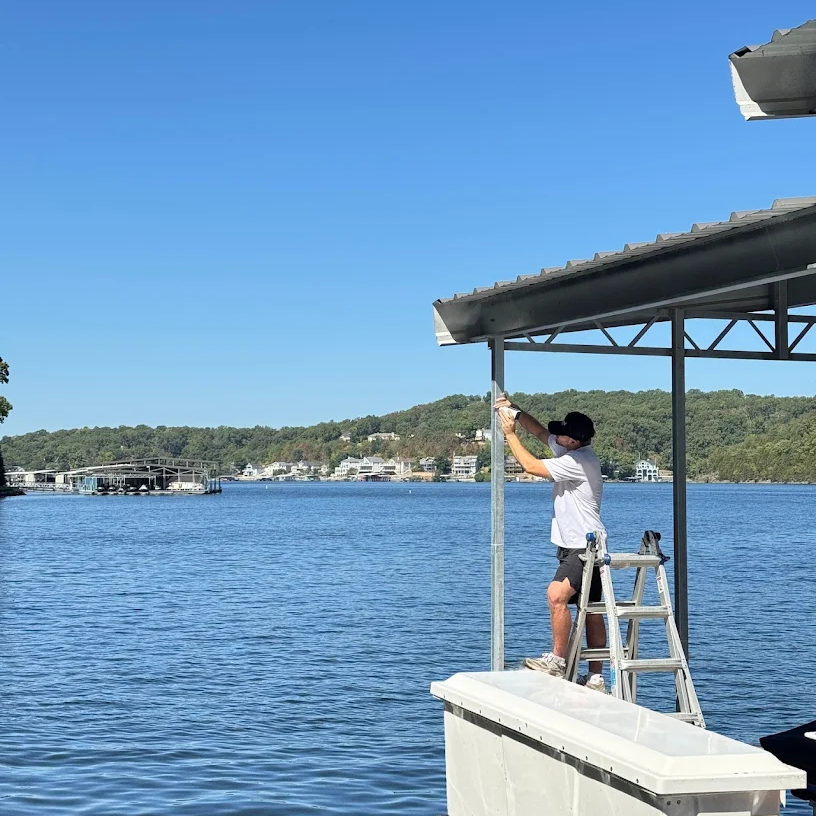
Spending time on your dock at Lake of the Ozarks is a perfect way to relax, enjoy nature, and stay connected. But poor WiFi signals and dead zones can quickly turn a peaceful day by the water into a frustrating experience. Whether you want to stream music, check emails, or video chat with friends, reliable WiFi on your dock is essential. This guide explains practical steps to get strong, consistent WiFi coverage on your dock, eliminating dead zones and keeping you connected.
Understand Why WiFi Struggles on Docks
Water and open spaces create unique challenges for WiFi signals. WiFi signals weaken over distance and can be blocked or absorbed by obstacles. At Lake of the Ozarks, docks are often far from the main house or router, and water reflects or absorbs signals, causing weak or spotty coverage. Trees, boats, and dock structures can also interfere with signal strength.
Knowing these factors helps you choose the right equipment and placement to improve your dock’s WiFi.
Choose the Right Equipment for Outdoor WiFi
Standard indoor routers are not designed for outdoor use or long-range coverage. To get reliable WiFi on your dock, consider these equipment options:
Outdoor WiFi Access Points
These devices are weatherproof and built to extend WiFi signals outdoors. Mount one on your dock or nearby to create a strong local signal.
WiFi Range Extenders or Mesh Systems
A mesh WiFi system with outdoor nodes can blanket your property, including the dock, with consistent coverage. Range extenders placed strategically can also boost signals but may reduce speed.
Directional Antennas
These antennas focus WiFi signals in a specific direction, ideal for pointing from your house toward the dock, increasing signal strength over distance.
Powerline Adapters with Outdoor Access Points
If your dock has power, you can use powerline adapters to send internet through your home’s electrical wiring to an outdoor access point on the dock.
Position Your Equipment for Maximum Coverage
Where you place your router, extender, or access point matters. Follow these tips:
Mount outdoor access points high and clear of obstructions like trees or boats.
Aim directional antennas directly at the dock to focus the signal.
Avoid placing equipment near metal objects or water tanks that can reflect or absorb signals.
Keep devices away from sources of interference such as cordless phones or microwaves.
Use Wired Connections When Possible
WiFi signals weaken over distance, but wired connections do not. If your dock has power and you can run an Ethernet cable, this is the most reliable option. Connect a weatherproof outdoor access point on the dock via Ethernet to your main router inside the house. This setup provides strong WiFi coverage without signal loss.
Consider Cellular WiFi as a Backup
If running cables or installing outdoor equipment is difficult, cellular WiFi can be a good alternative. A mobile hotspot device or a cellular router with a strong signal can provide internet access on your dock. Check coverage maps for Lake of the Ozarks to ensure your cellular provider offers good reception in your area.
Test and Adjust Your Setup
Once your equipment is installed, test the WiFi signal strength on the dock using a smartphone or laptop. Apps like NetSpot or WiFi Analyzer can help identify weak spots. If you find dead zones, try adjusting the position or angle of antennas and access points. Sometimes small changes can make a big difference.
Protect Your Equipment from Weather and Theft
Outdoor WiFi gear needs protection from rain, sun, and wind. Use weatherproof enclosures and secure mounts. Also, consider locking devices or placing them out of easy reach to prevent theft or tampering.
Practical Example: A Successful Setup at Lake of the Ozarks
One dock owner installed a mesh WiFi system with an outdoor node mounted on a tall pole near the dock. The main router was inside the house, connected to the mesh system. They also added a directional antenna pointing toward the dock to boost the signal. This setup eliminated dead zones, allowing smooth streaming and video calls even while sitting on the dock.
Summary
Getting reliable WiFi on your Lake of the Ozarks dock requires the right equipment, smart placement, and sometimes a mix of wired and wireless solutions. Outdoor access points, mesh systems, and directional antennas help extend coverage. Running Ethernet cables to the dock offers the strongest connection. Cellular WiFi can serve as a backup when other options are limited. Testing and adjusting your setup ensures you eliminate dead zones and enjoy seamless connectivity by the water.



Comments